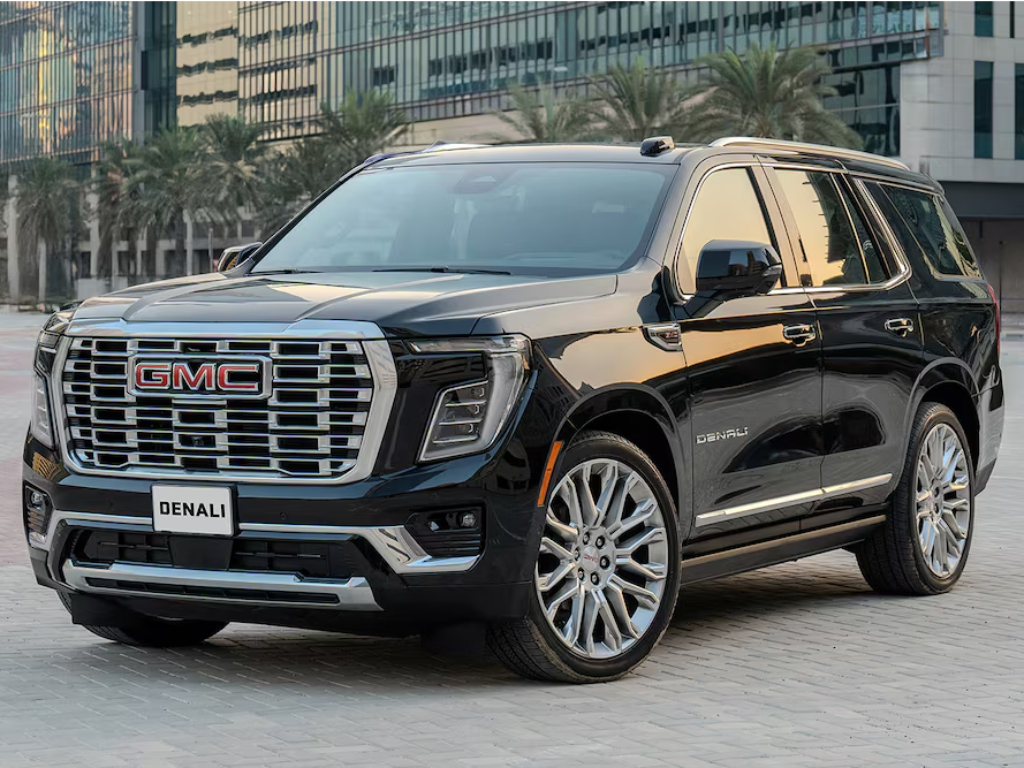
How OnStar Turned My GMC Yukon Drive Into a Connected, Comfortable, and Confident Experience
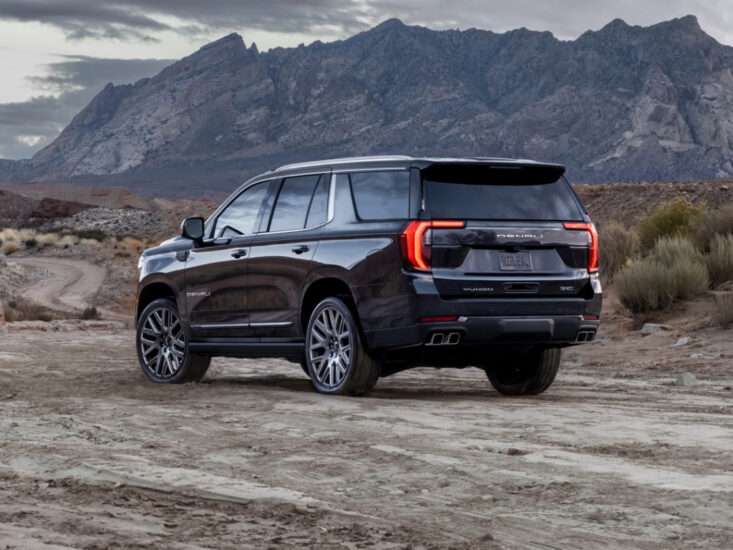
A car shouldn’t be just about going from one place to another. I got behind the wheel of a GMC Yukon Denali for a few days and experienced OnStar – the in-vehicle technology that elevates every drive with connectivity and convenience.
Let me explain.
It Started with the Heat
You know that moment when you walk up to your car in 45°C heat and feel the air punch you in the face? Not anymore. I grabbed my phone, opened the myGMC app, and pre-cooled the cabin before I even left the building with remote start. I got delayed waiting for the lift, but I could extend the start so that by the time I reached the car, it was perfectly chilled, and my seat was waiting, as if it knew I was coming.
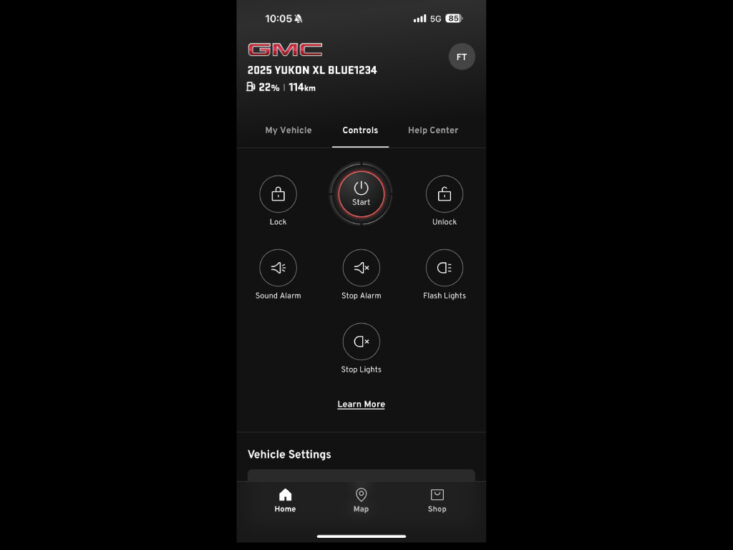
After I got in, I was given a reminder that the service was due and that I could schedule an appointment, which can also be done through the app.
Also, possibly one of my favourite features? When I got lost in the Dubai Mall Parking Lot (again), I just opened the app, clicked “Vehicle Locate,” and boom, my car was found!
And that’s just the beginning – there are so many more features on the app like Advanced Vehicle Diagnostics, Remote Commands, and more for complete convenience at your fingertips.
Then Came the Google Built-in Magic
As I started driving, I realised I hadn’t entered a destination. “Hey Google,” I said, “Take me to Zabeel Park.” Within seconds, Google Maps on the massive 16.8-inch screen on the Yukon had me rerouted, avoiding the traffic mess I hadn’t even known was coming.
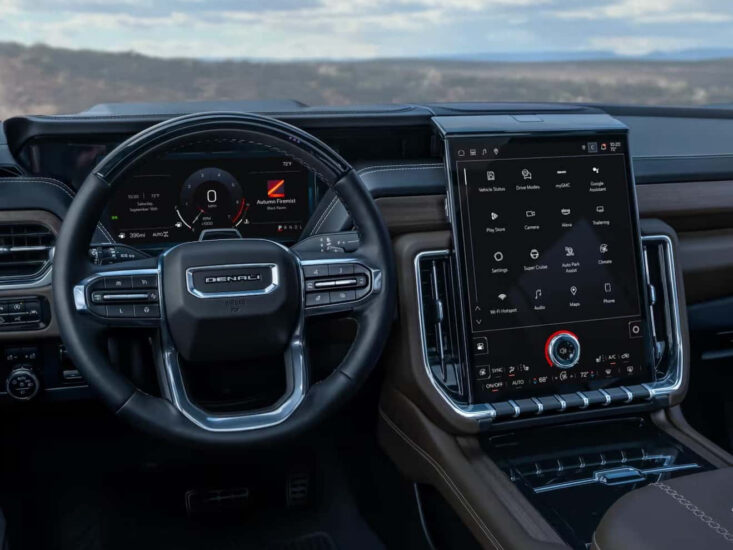
While I was at it, I asked Google to read my messages, skipped a few songs, and added reminders – all while my hands stayed on the wheel. It’s nice to have your car be as responsive as your phone but without the distractions.
And no, you don’t even need to plug anything in—Voice Assistant, Maps, Play Store—it’s all there.
The Wi-Fi That Turned My Car into a Road Trip Lounge
I had airport duties this week, so the massive Yukon Denali came in handy. After picking up a family of four relatives, it wasn’t long before they were scrambling for the Wi-Fi password.
As soon as they connected to the OnStar Wi-Fi, the first season of The Boys began playing on Prime Video, which was already installed in the car through the Google Play Store, on the rear-seat entertainment system.

Also, selfies were being taken, stories were being uploaded on Instagram, and someone attended a Zoom meeting through their laptop.
As for me, I was enjoying the drive, occasionally DJ-Spotifying – playing tunes that were making the Gen Z commuters cringe.
When Things Got Real
The most underrated feature? The Advisor button. I hit it once when I got a low tyre pressure warning at night on the highway. A real human answered, knew exactly where I was, and connected me to roadside assistance in seconds. I didn’t have to Google anything. I didn’t even have to explain.
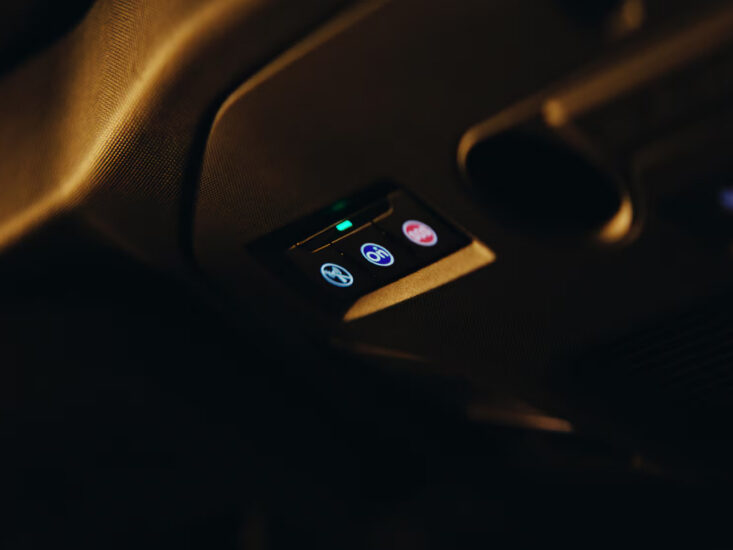
OnStar isn’t just about convenience—it’s about reassurance. It’s about knowing someone has your back when you least expect to need it.
If your car ever gets stolen? OnStar can work with law enforcement to help recover your vehicle, subject to connectivity.
God forbid you crash? OnStar connects automatically to your advisor, who assesses the situation and sends help. It even lets your family know.
It’s like your car suddenly cares.
Not Just Tech
OnStar isn’t there to impress you with flashy features. It’s there to elevate your vehicle, enhance your drive and protect you – from the daily commutes to the unexpected moments that could change everything. It’s a connected marvel that makes every drive into a smarter and safer experience.
Suddenly, you start to enjoy driving more. Now, that is something I can get behind.
By the way, this advanced in-vehicle technology is available across more trims of Chevrolet, Cadillac and GMC in the region. If you own one, find the blue OnStar button, press it to activate, or simply visit your nearest dealer to get started today.

Comments are closed. Please send an email if you have any feedback.